How to Integrate AI into Your Mobile App (Expert Advice)
AI is no longer just a buzzword. Today it powers search, recommendations, assistants, and automation in the apps people use every day. Integrating it into your mobile app can turn a useful tool into a smart assistant that automates tasks, boosts engagement, and supports sales.
But where do you start? Here is a practical path.
Define Your Goals
First, identify what you want AI to achieve in your app. A clear goal keeps the integration focused and stops you from adding AI for its own sake.
Common goals include personalization, image recognition, and conversational assistants.
Personalization
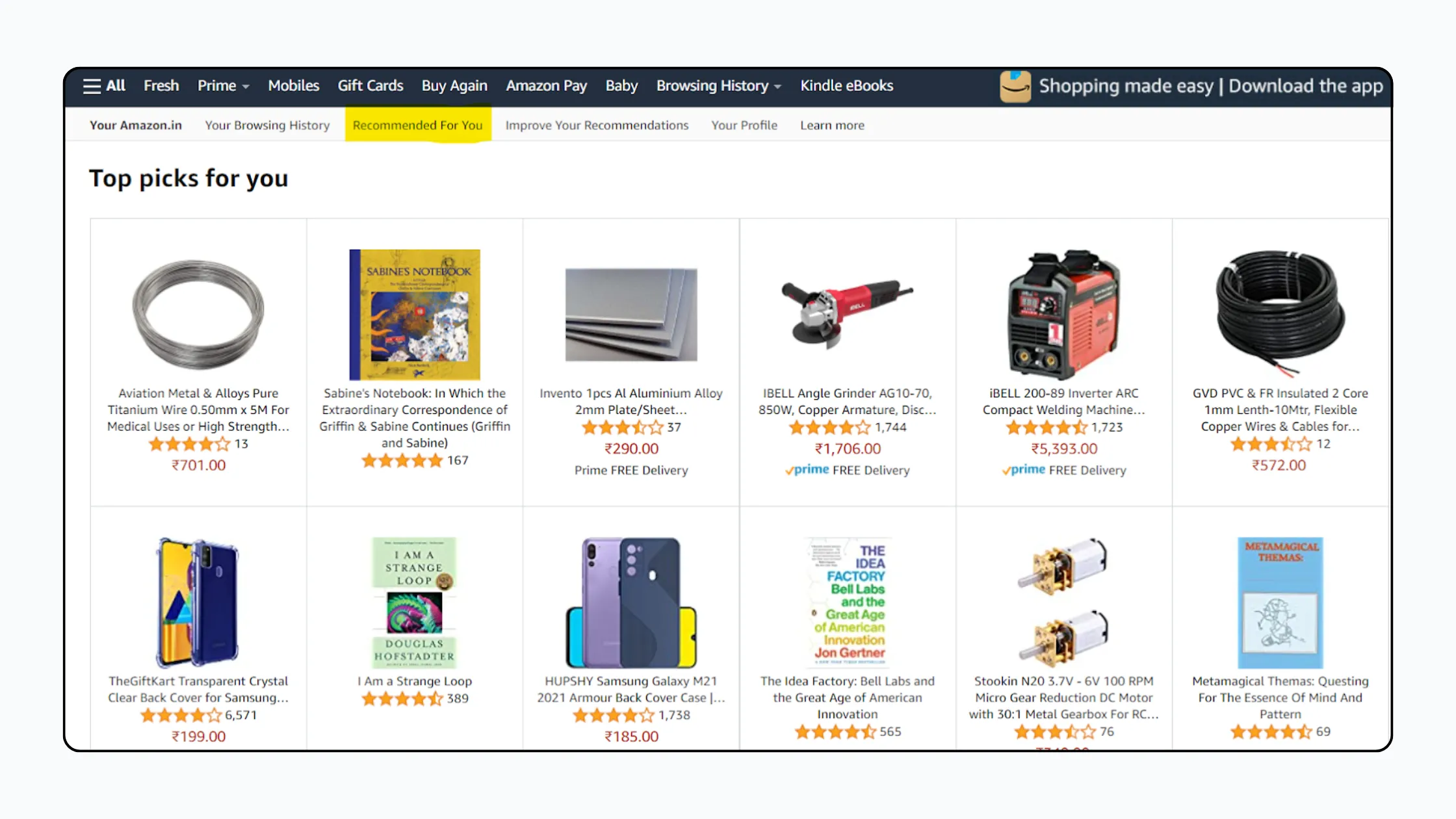
Example: Amazon. The e-commerce giant is known for AI-driven personalization. Shoppers see product recommendations based on their browsing history and purchase behavior, which makes it easier to discover relevant products.
Image Recognition
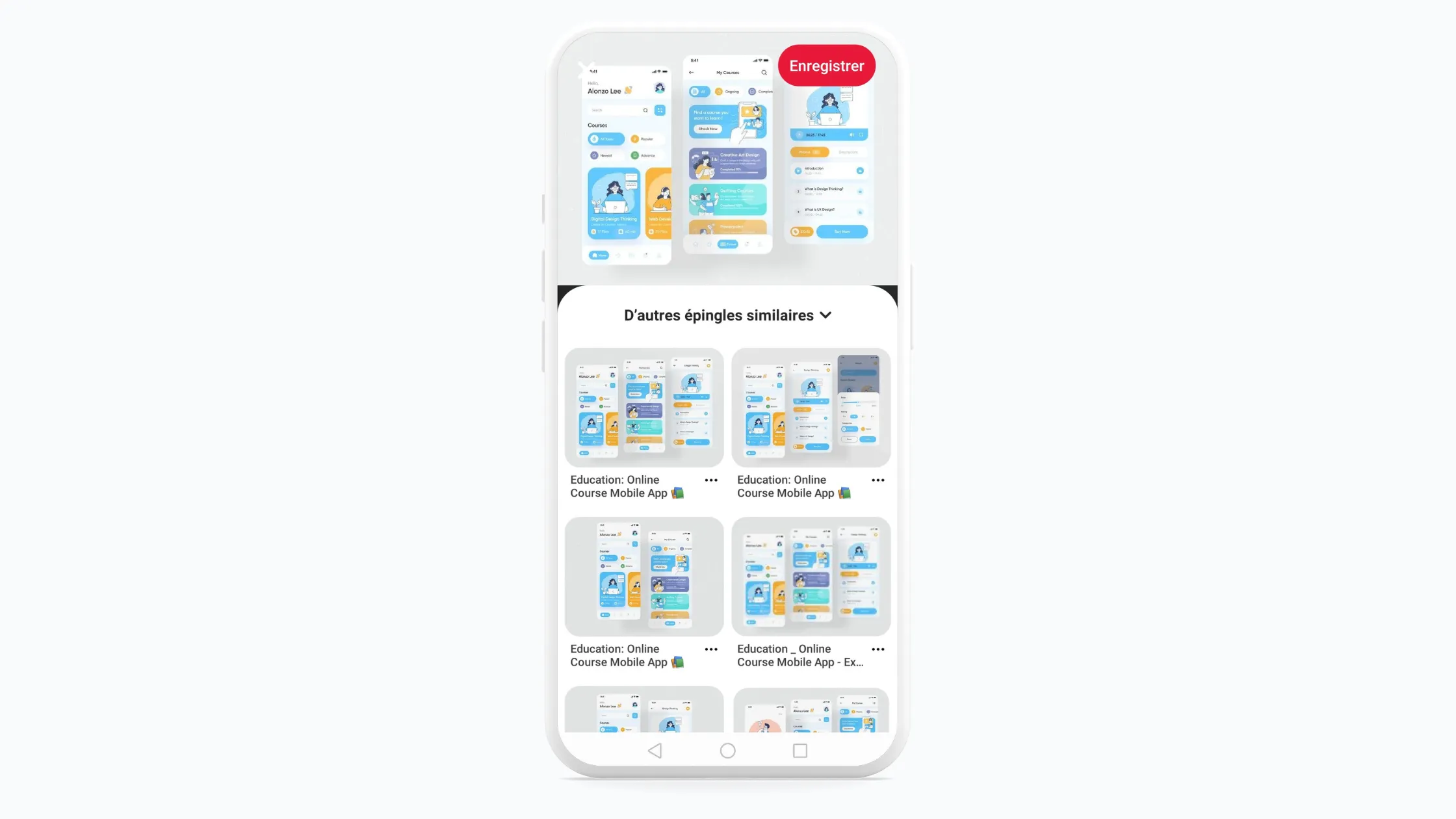
Example: Pinterest. Pinterest uses AI-powered visual search. With its Lens feature, users take a photo of an object, and the app identifies similar items and suggests related ideas, such as furniture, outfits, or recipes.
Chatbots and Assistants
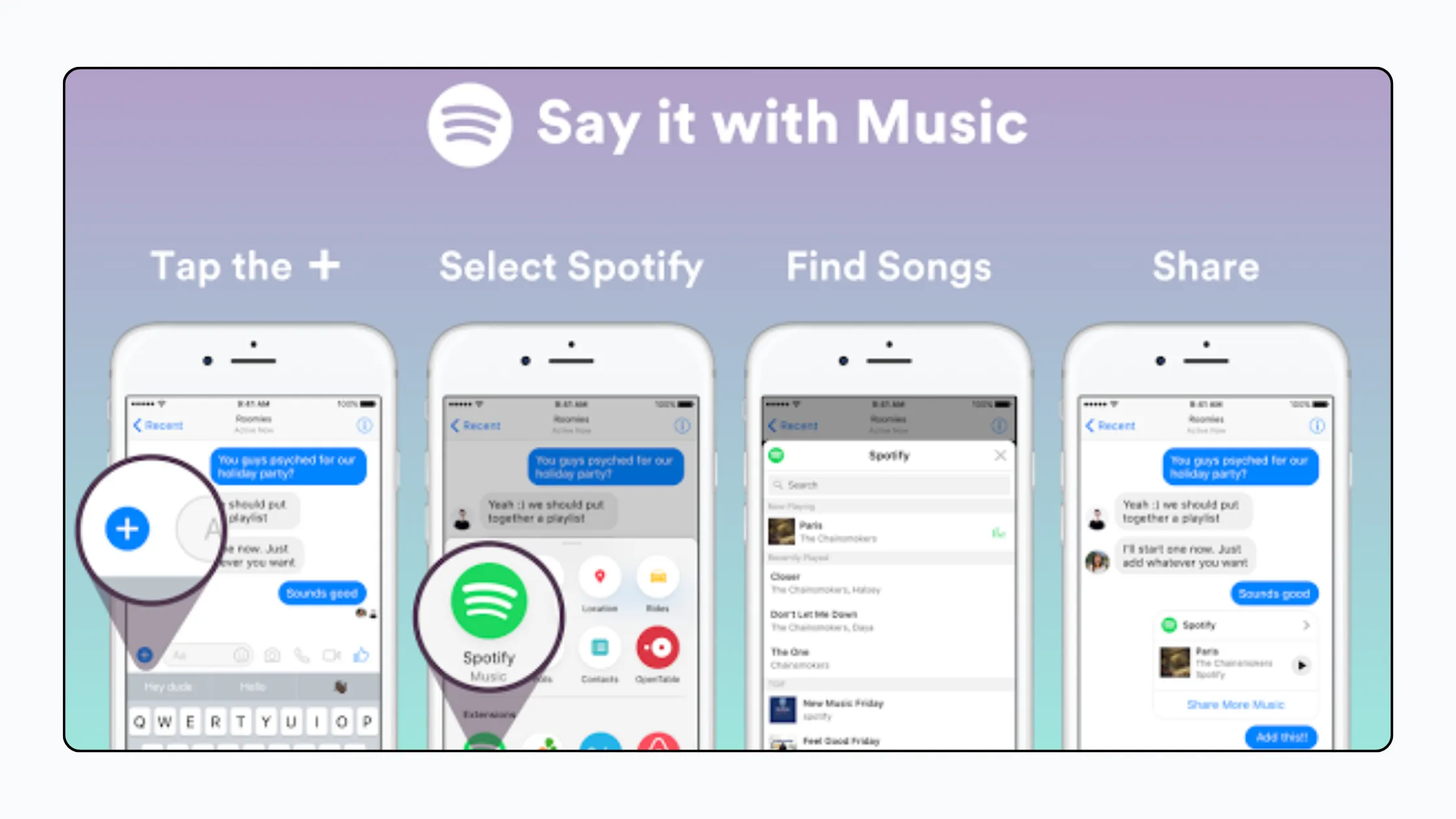
Chatbots have evolved from scripted menus into assistants built on large language models (LLMs). They understand natural language, answer questions, summarize content, and help users complete tasks inside your app, from customer support to guided shopping.
Spotify is a good example of AI in a different form: it uses recommendation systems to build personalized playlists from each listener’s habits and preferences.
Assess Your Data
AI models learn from data, so assess yours before you build anything.
Relevance Is Key
Imagine training a car to drive in the city using only off-road footage. It would handle traffic poorly. Your model needs data directly related to its goal.
- Example: Building a sentiment analysis tool for customer reviews? Use a large set of product reviews clearly labeled as positive, negative, or neutral.
Quantity Matters
A small gas tank limits how far a car can travel. Likewise, too little data limits what a model can learn.
- Example: An AI that identifies dog breeds needs many images of each breed, from different angles and in different lighting conditions.
Quality Over Everything
Dirty fuel can damage an engine, and inaccurate, incomplete, or biased data leads to unreliable results.
- Example: For a customer service chatbot, base your data on real customer questions and conversations, not only hypothetical scenarios.
Choose and Develop Your AI Model
You have three main options, and many apps combine them:
- Hosted LLM and AI APIs: Services such as OpenAI, Anthropic Claude, or Google Gemini offer powerful models through an API. They are the fastest way to add chat, summarization, or content generation, but you pay per use and send data to a third party.
- On-device AI: Frameworks like Apple’s Core ML and Foundation Models, Google’s ML Kit, and Gemini Nano on supported Android devices, or runtimes like TensorFlow Lite, run models directly on the phone. This improves speed, works offline, and keeps sensitive data on the device, though models are smaller.
- Custom models: Training your own model only makes sense when you have a large, high-quality, task-specific dataset and AI expertise.
When choosing, weigh these factors:
- Data availability: Without a large dataset, start with a pre-trained model or an API.
- Development time: Building from scratch is slow. Existing models speed things up considerably.
- Expertise required: Custom models demand deep AI knowledge. Pre-trained models and APIs are easier to adapt.
- Privacy and cost: Consider what data leaves the device and what each request costs at scale.
Test and Refine
AI models are not perfect, and LLMs can produce confident but wrong answers. Test your integration thoroughly, including edge cases, then refine it based on the results. Add safeguards such as clear limits on what the AI can do, human fallback for sensitive cases, and monitoring after launch.
Benefits of Integrating AI into a Mobile App
Done well, AI makes apps smarter and easier to use.
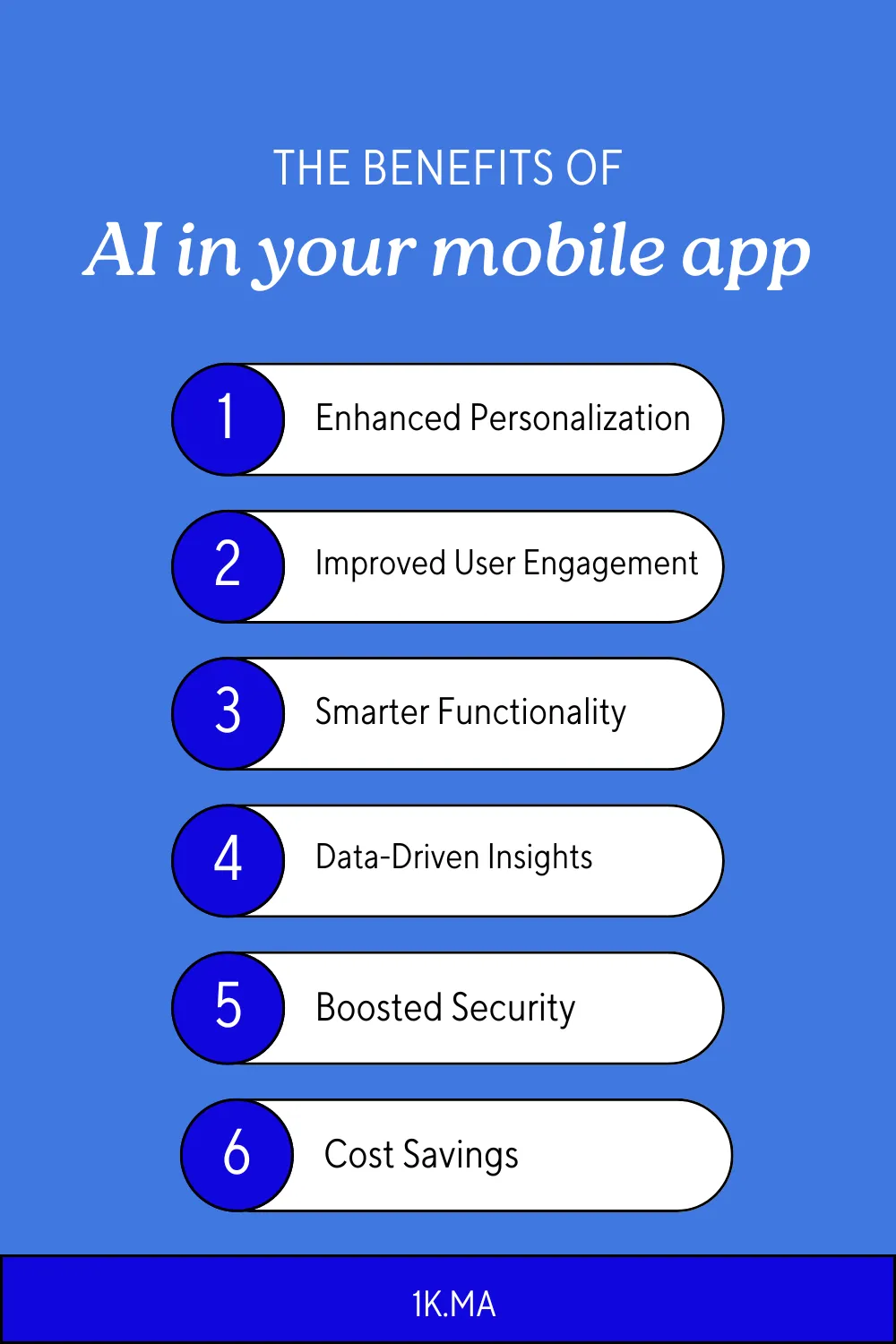
- Enhanced personalization: AI learns from user behavior to deliver tailored content, such as product suggestions or relevant articles.
- Better engagement: Chatbots and virtual assistants answer questions and guide users through the app.
- Smarter functionality: AI automates tasks, for example by suggesting workout plans in a fitness app.
- Data-driven insights: Analyzing usage data helps you spot trends and improve the app.
- Improved security: AI can help detect fraud, which is valuable for banking and e-commerce apps.
- Cost savings: Automating repetitive work, such as first-line customer support, can reduce operating costs.
The Future of AI in Mobile Apps
Big platforms keep moving AI closer to the user. Meta has built its Llama-powered Meta AI assistant into Facebook, Instagram, and WhatsApp, and both iOS and Android now offer built-in on-device AI capabilities for developers. Expect more assistants, more on-device processing, and more AI features that feel like a natural part of the app rather than an add-on.
Conclusion
Start with a clear goal, check your data, pick the right model approach, and test carefully. Ready to bring AI into your app? Contact OneK and our team in Tangier, Morocco, will help you turn it from useful into exceptional.